- Visual Admin
- Services > configuration adapter > configurations > cluster_data > server > presistent > servlet_jsp
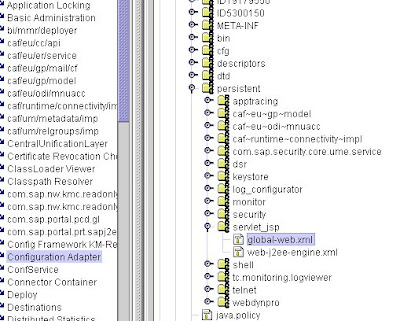
- Edit global-web.xml
- Download it to you local machine
- Edit the xml file and locate "upload enable" and change parameter from true to false
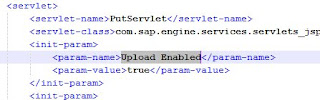
- Save the xml file and upload back
- Restart SAP
Continue Reading
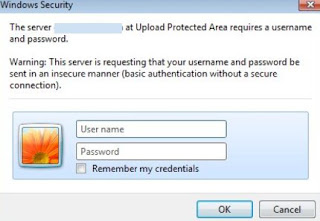
- You get below error message when login to portal even though SSO has been configured
- Visual Admin > Services > Configuration Adapter > cluster_data > server > cfg > services >
- Click Edit
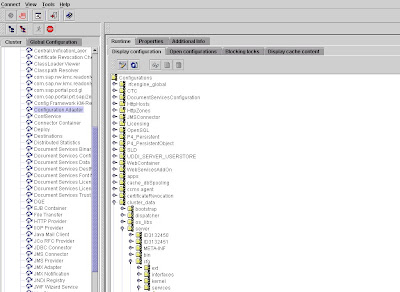
- Select PropertySheet com.sap.security.core.ume.service
- Edit ume.logon.security.relax_domain.level. Change value from 1 to 2
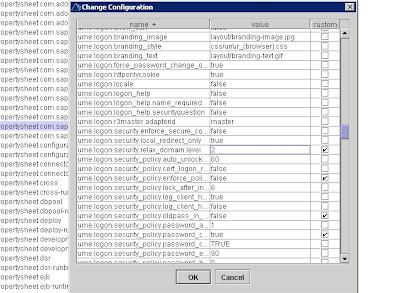
- Restart SAP
Continue Reading
September 02, 2011
ST01 return codes
0 Auth check passed
1 No auth
2 Too many parameters for auth check
3 Object not contained in user buffer
4 No profile contained in user buffer
6 Authorization check incorrect
7,8,9 Invalid user buffer
Continue Reading


